Armory War devlog #3: Teaching Armory War to speak Turkish
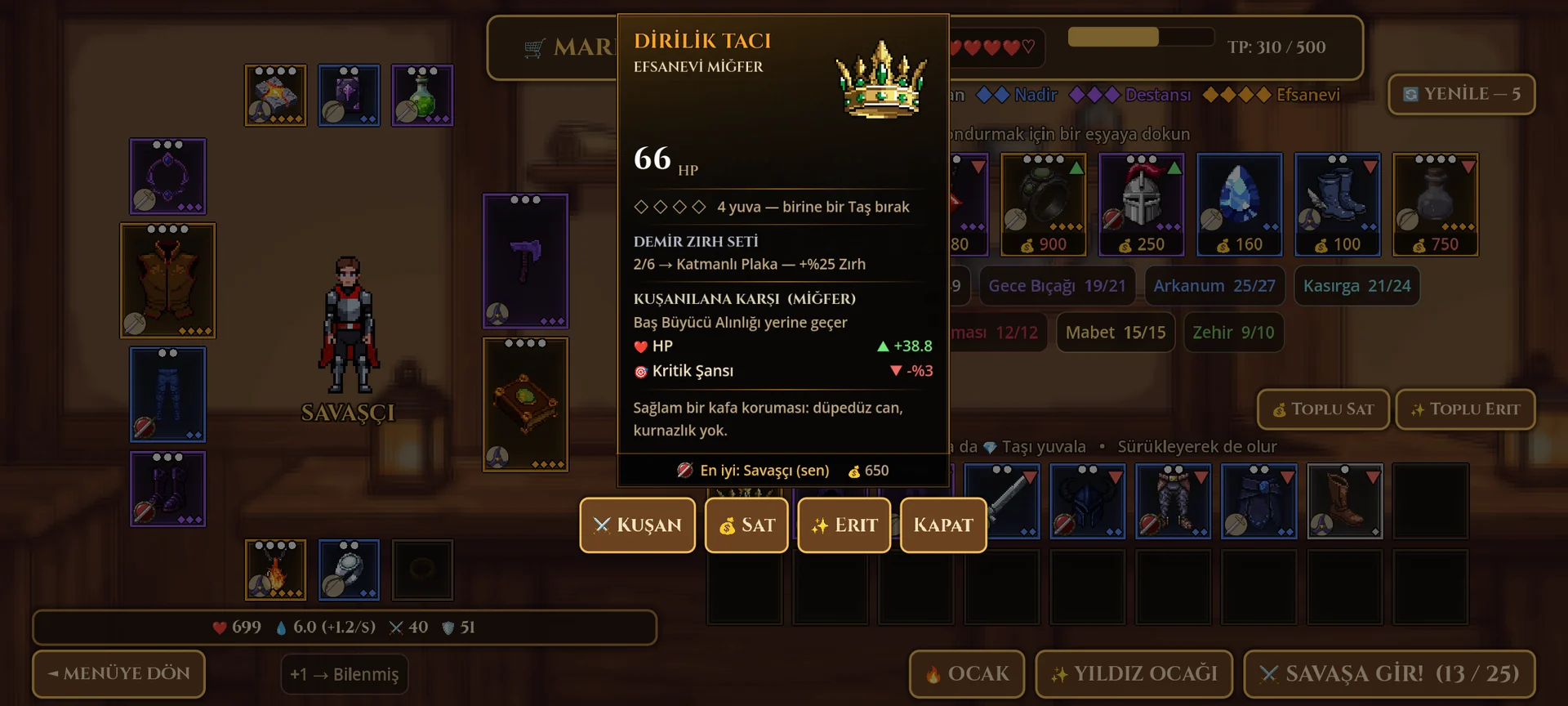
The dotted i, a font that ate three letters, word order and grammar that depends on the name: localisation bugs no test can see.
Armory War now speaks English and Turkish — every menu, all 180 item names, every item card, the whole battle log. Adding a third language is now one more column in a spreadsheet. Getting there taught us that the hardest bugs in localisation are the ones no test can see.
The dotted i. Turkish has two different letters, i and ı, and
their capitals are İ and I. Godot's built-in uppercase doesn't know
that, so "İksir" (potion) came out as "IKSİR" — a spelling mistake in
every title. The game now has its own uppercase that follows the
player's language.
The font that ate three letters. Our title font, Cinzel, draws lower
case as small capitals — and a small-capital i has no dot. An item
called Cinnetçinin Plakası showed up as "CINNETÇININ PLAKASI": three
letters wrong, and every automated check passed because the underlying
text was correct. We only saw it by putting two screenshots side by
side. The fix: in Turkish, titles are drawn in real capitals, where
Cinzel has a proper İ.
Word order. English says "Fight 3 of 25"; other languages put the
numbers elsewhere. Lines written with %d placeholders lock every
language into English word order — and when one slipped through, the
Turkish Market literally printed TP: %d / %d. No error, no warning;
again, only a screenshot caught it. Every line with more than one value
now uses named slots like {gold}, and a test checks that both languages
use the same ones.
Grammar that depends on the name. Turkish possessive suffixes change with the last letter of a word ("Ironjaw'ın", "Vess'in"), so a battle log line like "X's barrier breaks" can't be translated with a blank for X. The log was rewritten as "{name} · {ability}: …", which reads naturally in both languages. Even the percent sign moves: Turkish writes %25, not 25%.
On the first launch the game follows your phone's language, and you can switch any time in Settings — it applies instantly, no restart.